Logs, scaling and teams
Logs, container stats, 1 to 3 replicas per service and your team, from the CLI, the dashboard or the REST API.
Running your app day to day
What you need once your app is live, from the CLI, the dashboard or the REST API.
Logs without a server login
Read build, deploy and container logs in one place with mecca logs, and filter them by type, service, level or time. No SSH needed.
Health checks that act
Declare a health check, and an instance that fails it is taken out of rotation. A container that crashes restarts on its own.
One to three replicas
Run up to three copies of a service, each on its own host. mecca app scale changes the count and redeploys the version that's running, not a new build.
Set memory per service
Give each service the memory it needs in appmecca.yaml, and the limit is enforced. Leave it out and AppMecca picks a default for the runtime it detects, such as Java or Node.js.
Your team in one group
Invite teammates into your group by email. Everyone in the group can see and operate its apps.
CLI, dashboard and REST API
Install the mecca CLI with npm or Homebrew, or work in the web dashboard. A REST API sits behind both.
Day-to-day commands
Read logs, check memory and CPU, and change how many copies of a service run.
# Container logs for the web service, from the last day:
$ mecca logs myapp --type container -s web --since 24h

# Memory and CPU now, then the daily history:
$ mecca app stats myapp
$ mecca app stats myapp --history

# Set how many copies of the web service run:
$ mecca app scale myapp web 2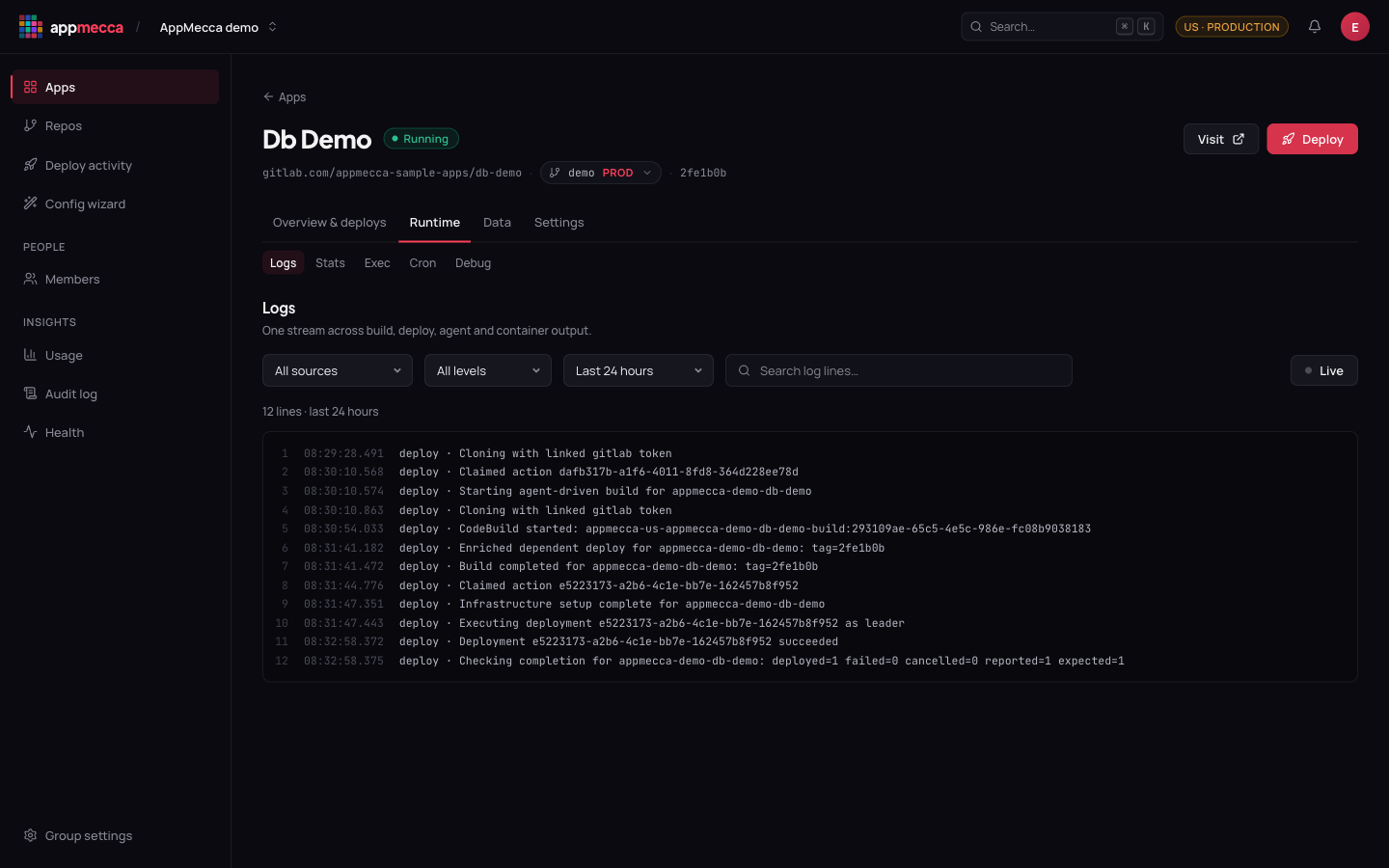
Good to know
- No autoscaling: you set each service's replica count yourself.
- There are no alerts to you yet. Check your apps' health with
mecca statusor in the dashboard. - One region today: AWS US East (Ohio).
- Roles inside a group aren't enforced yet: everyone in the group can operate its apps.
- You set memory per service, but not CPU: it isn't limited or reserved, and the services on a host share it.